
APEXWEAR COMPANION APP
Your day.
Connected by
ApexWear.
Bring activity, health records and device controls together in one companion app.
iOSAndroidAvailability and features depend on device and region.
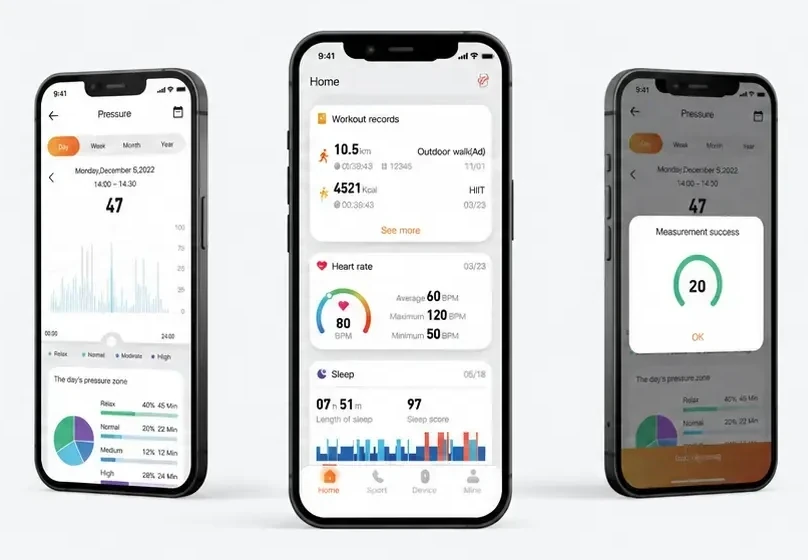
Health records
Daily activity, sleep and recovery readings collected in one timeline.
Workout analysis
Session summaries with route, pace and training load views.
Device settings
Watch faces, notifications and device preferences managed from the phone.
Account & sync
Account setup and background synchronisation across paired devices.
HEALTH & WELLBEING
Understand your everyday rhythm.
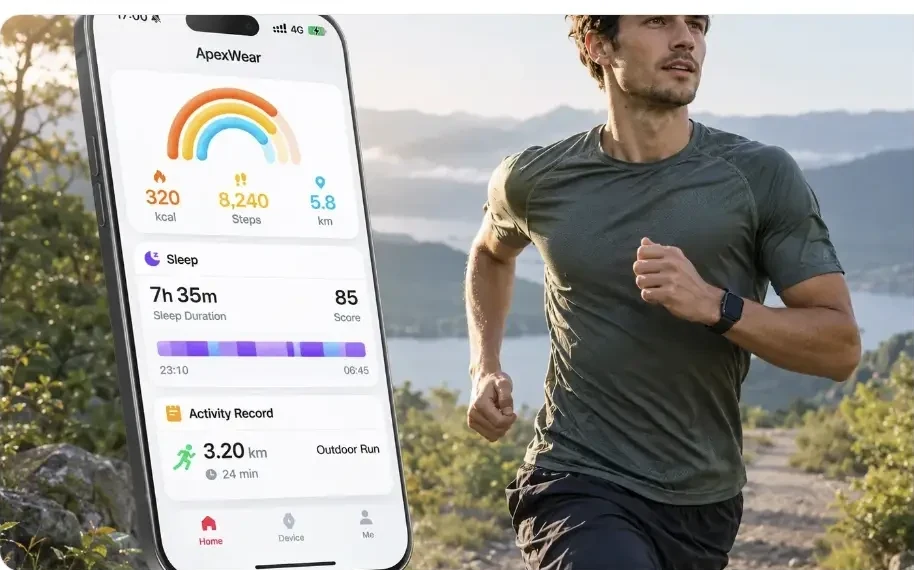
View supported health records and sleep information in one place, with a clear history to help you follow changes over time.
Health records
Trends
Sleep
TRAINING
Every session. A little more insight.
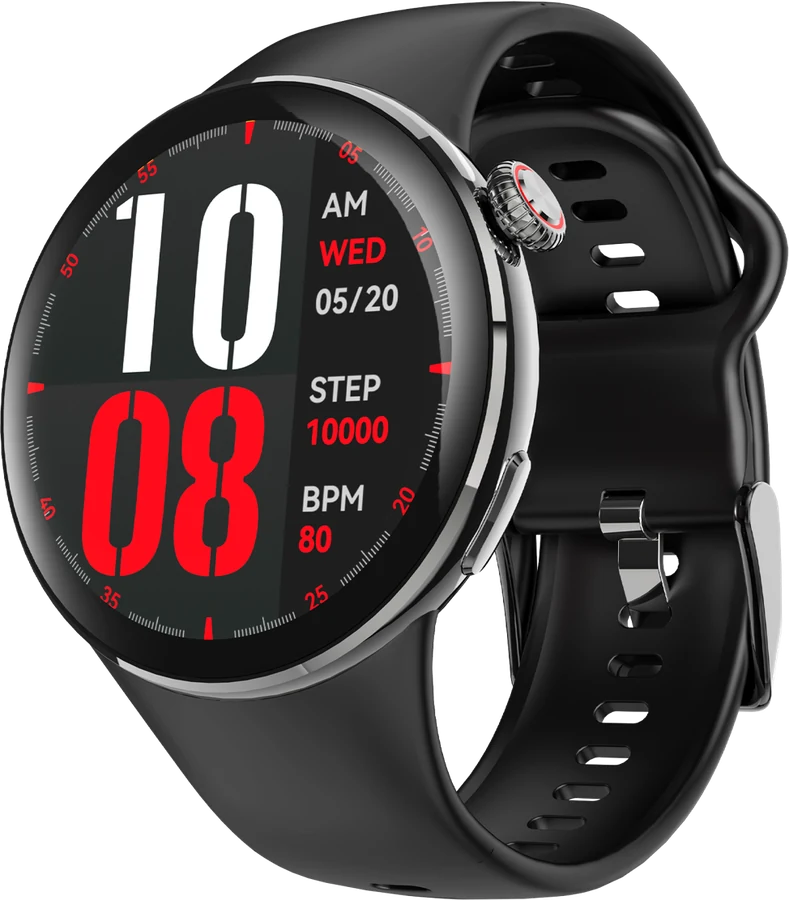
For sports models, sessions are summarized with duration, distance and pace, then kept with the day's record.
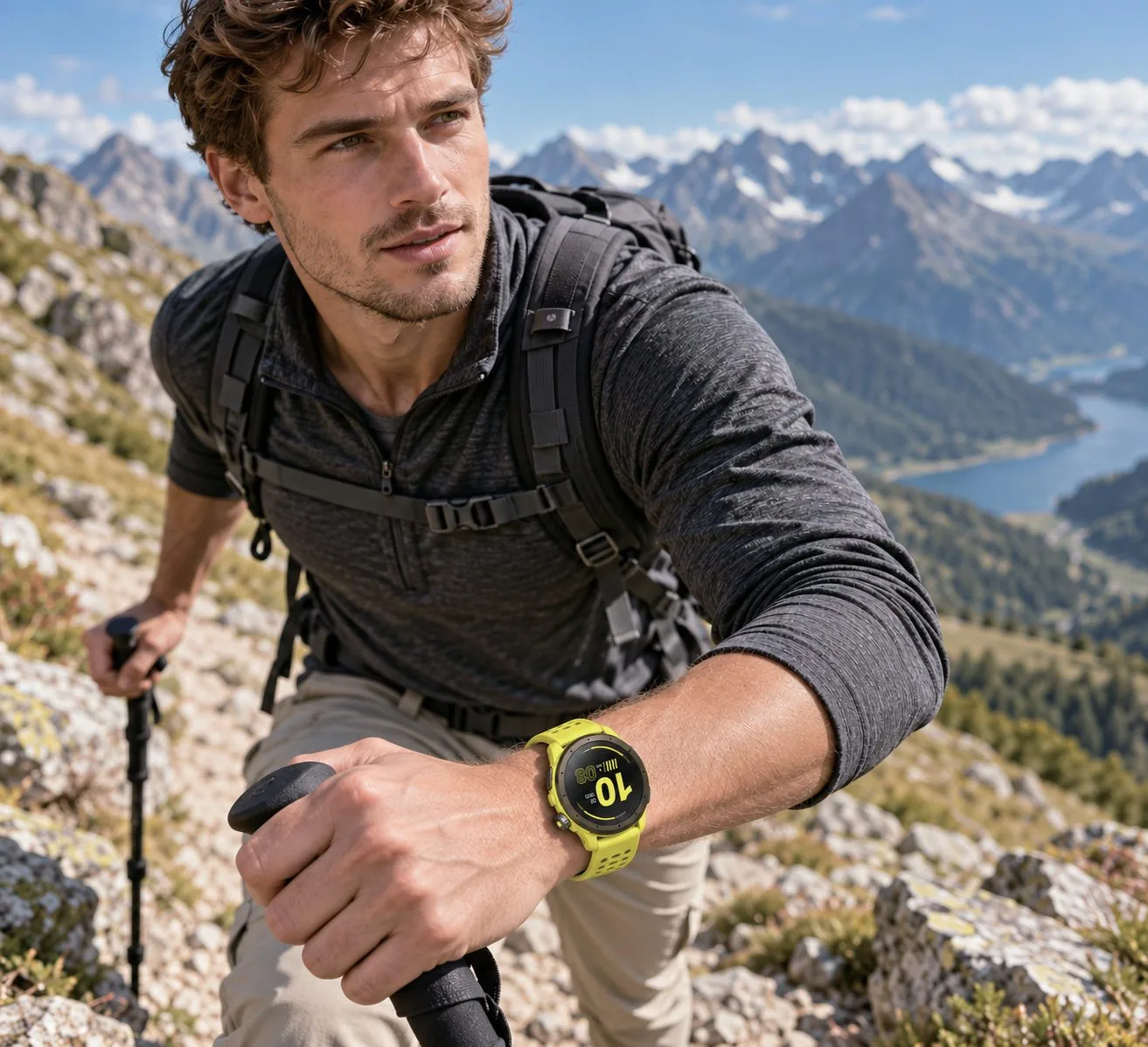
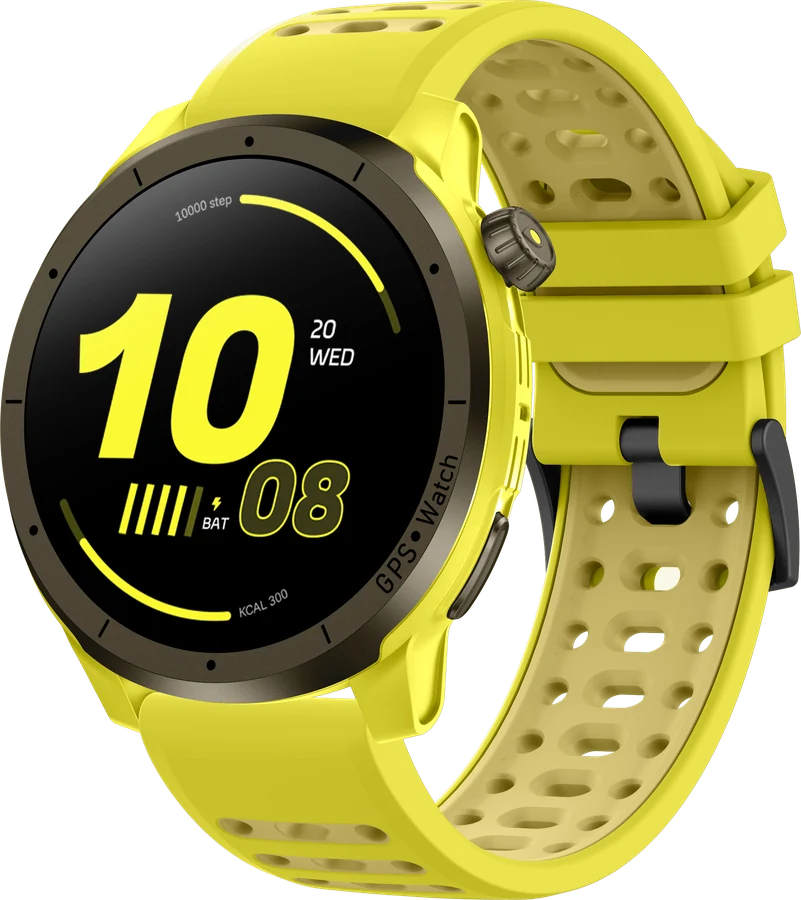
M75
Sports & GPS · 5 ATM
PERSONALIZATION
Make it feel like yours.
Watch faces, notifications and device settings are configurable per model — and can be shaped around your brand.
Watch faces
Face sets per platform and per season.
Notifications
Which apps reach the wrist, and how.
Device settings
Display, vibration and activity targets.
GETTING STARTED
A simple start.
Four steps from unboxing to a configured device.
01
Download
Install ApexWear from the store link provided with your device.
02
Pair
Scan the pairing code shown on the watch or band.
03
Allow
Grant the notification and activity permissions the model uses.
04
Explore
Set a watch face, check the day and adjust what the device shows.
Feature availability depends on the model and configuration. Health information shown in the app is intended for everyday reference and is not used for medical diagnosis.
Connect your device and brand.
App scope, watch faces and packaging can be planned together with the hardware.